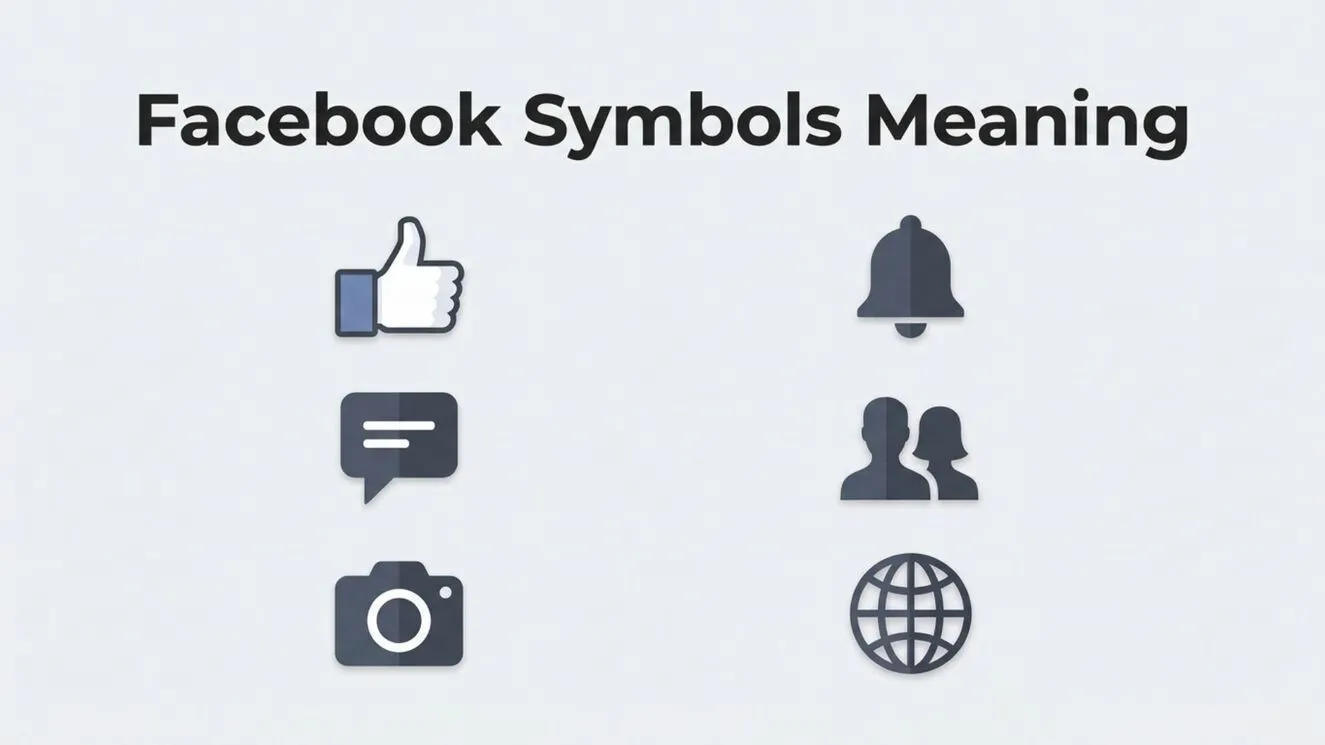
Facebook is one of the world’s most widely used social media platforms, connecting billions of people through posts, photos, videos, groups, and messaging. As the platform has evolved, it has introduced dozens of symbols and icons that make navigation faster and communication more intuitive.
From the familiar thumbs-up Like button to notification bells, privacy indicators, Messenger icons, and verification badges, each Facebook symbol has a specific meaning.
If you’ve ever wondered what a particular Facebook icon means or why certain symbols appear next to posts, profiles, or messages, you’re not alone. Understanding these visual elements can help you use Facebook more effectively, protect your privacy, and interact confidently with others.
This comprehensive guide explains the meaning of the most common Facebook symbols, their history, different categories, practical uses, and frequently misunderstood icons.
Facebook Symbols Meaning (Meaning and Overview)
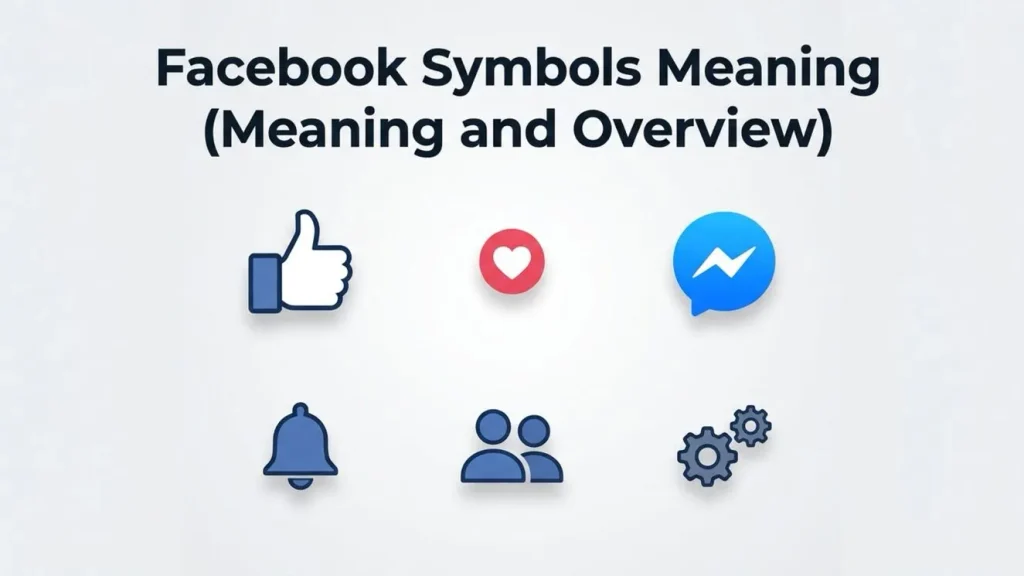
Facebook symbols are visual icons and communication symbols that represent actions, features, notifications, account status, or navigation options within the platform. Instead of relying entirely on text, Facebook uses recognizable icons to create a user-friendly experience across desktop and mobile devices.
These digital characters and interface icons serve several purposes, including:
- Simplifying navigation
- Improving user experience
- Indicating notifications
- Representing privacy settings
- Displaying reactions to posts
- Identifying account features
- Highlighting communication options
Unlike decorative symbols or Unicode symbols, most Facebook icons are custom-designed interface elements that perform specific functions rather than simply representing text.
Facebook Symbols Meaning (History and Origin)
The Early Facebook Interface
When Facebook launched in 2004, its interface was relatively simple. Most actions were represented by text links, with only a handful of basic icons.
As smartphones became more popular, Facebook redesigned its interface to rely more heavily on visual representation. Icons helped users quickly recognize functions regardless of language.
Rise of Mobile Design
With the introduction of the Facebook mobile app, symbols became essential. Small screens required compact navigation, making icons more practical than lengthy labels.
Over time, Facebook introduced new symbols for Stories, Marketplace, Groups, Reels, Watch, Gaming, Dating, and other features.
Continuous Updates
Facebook regularly updates its iconography to improve usability and match modern design trends. Although the appearance of some symbols changes over time, their core meanings usually remain consistent.
Types, Variations, or Categories
Facebook uses many categories of symbols throughout its platform.
Navigation Icons
Navigation symbols help users move between different sections of Facebook.
Common navigation icons include:
- Home
- Friends
- Groups
- Marketplace
- Watch
- Gaming
- Notifications
- Menu
These icons appear in different positions depending on whether you’re using the mobile app or desktop version.
Reaction Symbols
Facebook expanded beyond the traditional Like button by introducing several reactions.
These include:
- 👍 Like
- ❤️ Love
- 😂 Haha
- 😮 Wow
- 😢 Sad
- 😡 Angry
- 🫶 Care (available in many regions)
Each reaction provides a more nuanced way to respond to posts.
Messenger Icons
Facebook Messenger includes its own collection of communication symbols.
Examples include:
- Blue circle
- Blue checkmark
- Filled checkmark
- Profile picture indicator
- Typing indicator
- Delivered status
- Read receipt
These icons help users track message status.
Common Facebook Symbols and Their Meanings
Home Icon
The house icon returns users to the main News Feed, where posts from friends, pages, and groups appear.
Friends Icon
The two-person silhouette represents:
- Friend requests
- Friend suggestions
- Your connections
- Social activity
A red notification badge indicates pending requests or updates.
Messenger Symbol
The Messenger icon opens private conversations.
Depending on the interface, it may appear as:
- A speech bubble
- A lightning bolt
- The Messenger logo
Bell Notification Icon
The bell indicates:
- Likes
- Comments
- Tags
- Mentions
- Friend activity
- Group updates
A red number shows how many new notifications are waiting.
Menu Icon
Usually displayed as three horizontal lines or a grid, this icon opens additional Facebook features and settings.
Inside the menu, users can access:
- Saved posts
- Memories
- Marketplace
- Events
- Settings
- Privacy tools
Search Icon
The magnifying glass allows users to search for:
- People
- Pages
- Groups
- Videos
- Businesses
- Posts
- Hashtags
Facebook Profile Symbols
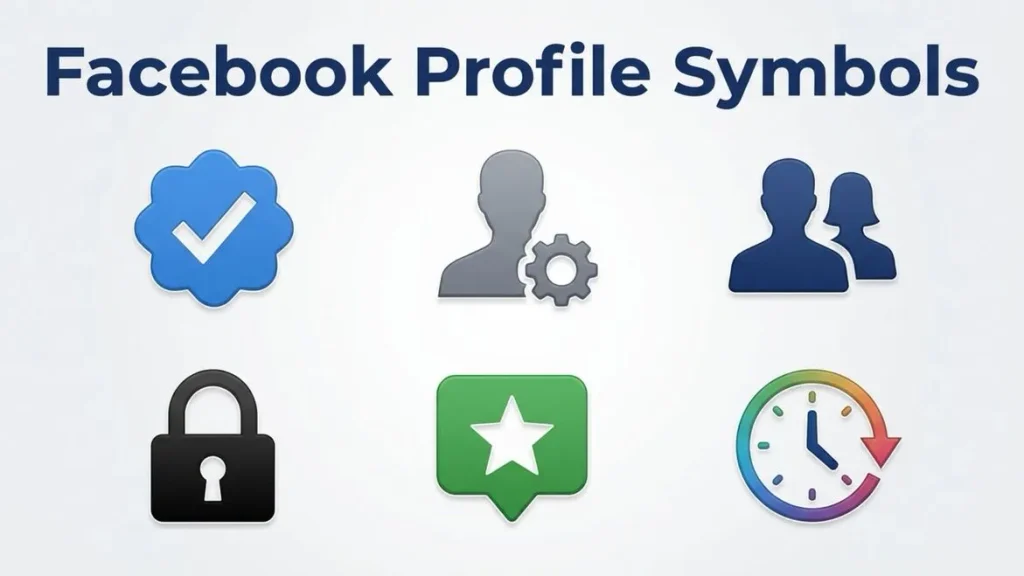
Blue Verification Badge
The blue checkmark indicates that Facebook has verified an account as authentic.
Verification typically applies to:
- Public figures
- Celebrities
- Journalists
- Government organizations
- Major brands
- Businesses
It helps users distinguish genuine profiles from impersonators.
Lock Symbol
A lock icon usually relates to privacy settings.
It may indicate:
- Private information
- Secure settings
- Privacy shortcuts
- Restricted visibility
Globe Symbol
The globe icon means content is visible to the public.
Anyone on or off Facebook may be able to view the post depending on other settings.
Friends Icon
A two-person icon next to a post indicates that only Facebook friends can view it.
Custom Privacy Icon
Sometimes Facebook displays customized audience indicators representing selected groups of people.
Facebook Post Symbols
Like Button
The thumbs-up icon represents appreciation or agreement.
Clicking it records a Like on the post.
Comment Bubble
The speech bubble opens the comment section where users can participate in discussions.
Share Arrow
The share symbol allows users to:
- Repost content
- Send via Messenger
- Share to groups
- Share to stories
- Copy links
Bookmark or Save Icon
This icon lets users save posts for future viewing without sharing them publicly.
Facebook Messenger Symbols
Messenger contains several important status indicators.
Empty Circle
The message is still being sent.
Circle with Checkmark
The message has been successfully sent.
Filled Circle with Checkmark
The recipient’s device has received the message.
Profile Picture
The recipient has read your message.
Typing Indicator
Animated dots indicate the other person is currently typing.
Facebook Story Symbols
Stories include unique interface icons.
Common examples include:
Camera
Create a new Story.
Eye Symbol
Shows how many people viewed your Story.
Reply Icon
Allows viewers to respond privately.
Archive Symbol
Stores expired Stories for future viewing.
Common Uses and Applications
Facebook symbols improve the platform in many ways.
Faster Navigation
Icons reduce the need for long text labels.
Universal Understanding
People across different languages recognize familiar interface symbols.
Better Accessibility
Simple visual indicators make features easier to identify.
Improved Communication
Reaction symbols allow users to express emotions beyond simple Likes.
Privacy Awareness
Audience icons help users understand who can view their content before posting.
Symbolism, Significance, or Importance
Although Facebook symbols are primarily functional, they also carry symbolic significance.
The thumbs-up icon has become a global sign of approval.
The heart reaction communicates affection and support.
The globe symbolizes openness and public communication.
The lock represents security and privacy.
The bell signifies attention and important updates.
These visual representations have become part of modern digital communication, influencing how billions of people interact online.
How to Use Facebook Symbols Effectively
Learn Privacy Icons
Always check the audience symbol before publishing a post to ensure you’re sharing with the intended audience.
Use Reactions Thoughtfully
Choose reactions that accurately express your feelings rather than automatically selecting Like.
Monitor Notifications
Regularly review notification icons to stay informed about messages, comments, and account activity.
Understand Messenger Status
Message status symbols help determine whether a message has been sent, delivered, or read.
Keep the App Updated
Facebook occasionally introduces new icons and updates existing ones, so using the latest version ensures consistency.
Interesting Facts
- The Like button was introduced in 2009 and became one of the most recognized digital icons in the world.
- Facebook added reaction emojis in 2016 to provide more expressive responses.
- The Care reaction was introduced to encourage supportive interactions.
- Some Facebook icons change slightly between Android, iPhone, and desktop versions.
- The blue verification badge has become a widely recognized symbol of authenticity across multiple social media platforms.
- Billions of notification icons appear daily across Facebook users worldwide.
- Interface symbols are regularly tested to improve usability and accessibility.
- Facebook’s icon design follows modern minimalist principles for easier recognition.
Common Mistakes or Misconceptions
Assuming Every Badge Means Verification
Not all profile badges indicate verification. Some represent achievements, group roles, or subscription features.
Ignoring Privacy Symbols
Many users accidentally share posts publicly because they overlook the audience icon.
Confusing Sent and Delivered Messages
A sent message has left your device, while a delivered message has reached the recipient’s device.
Believing Icons Never Change
Facebook periodically updates its interface, so symbol appearances may vary across versions.
Misinterpreting Reactions
Different users may use reactions differently depending on culture, humor, or context.
Frequently Asked Questions
What do Facebook symbols mean?
Facebook symbols are interface icons that represent actions, features, privacy settings, notifications, reactions, and navigation tools within the platform.
What does the blue checkmark mean on Facebook?
The blue verification badge indicates that Facebook has confirmed the authenticity of an eligible account, page, or profile.
What does the globe icon mean?
The globe symbol means a post is public and can generally be viewed by anyone, depending on other privacy settings.
What does the Messenger checkmark mean?
A checkmark indicates that your message has been sent successfully. A filled checkmark usually means it has been delivered to the recipient’s device.
Why do Facebook symbols sometimes change?
Facebook regularly updates its interface to improve usability, accessibility, and consistency across devices.
What is the difference between the Like and Love reactions?
The Like reaction expresses general approval, while the Love reaction conveys stronger appreciation, affection, or support.
Can Facebook symbols look different on different devices?
Yes. While their meanings remain the same, the design and placement of icons may vary slightly between Android, iPhone, tablet, and desktop versions.
Conclusion
Facebook symbols are much more than simple interface graphics they are essential communication tools that help users navigate the platform, manage privacy, interact with content, and stay connected with others. From navigation icons and Messenger indicators to reaction emojis and verification badges, each symbol serves a specific purpose that enhances the overall user experience.
By understanding the meaning behind these icons, you can use Facebook more efficiently, avoid common mistakes, and make informed decisions about your privacy and online interactions. As Facebook continues to evolve, its symbols will remain an important part of modern digital communication, making the platform more intuitive and accessible for users around the world.

Daniel Carter is a writer and researcher focused on symbols, their meanings, origins, and practical uses. He enjoys turning complex symbolic concepts into simple, easy-to-understand explanations for everyday readers. Through his work, Daniel explores cultural, technical, historical, and commonly used symbols, helping readers understand what they mean and where they are used.
His work includes The Complete Guide to Symbols, Understanding Symbols and Their Meanings, and A Visual Guide to Common Symbols.