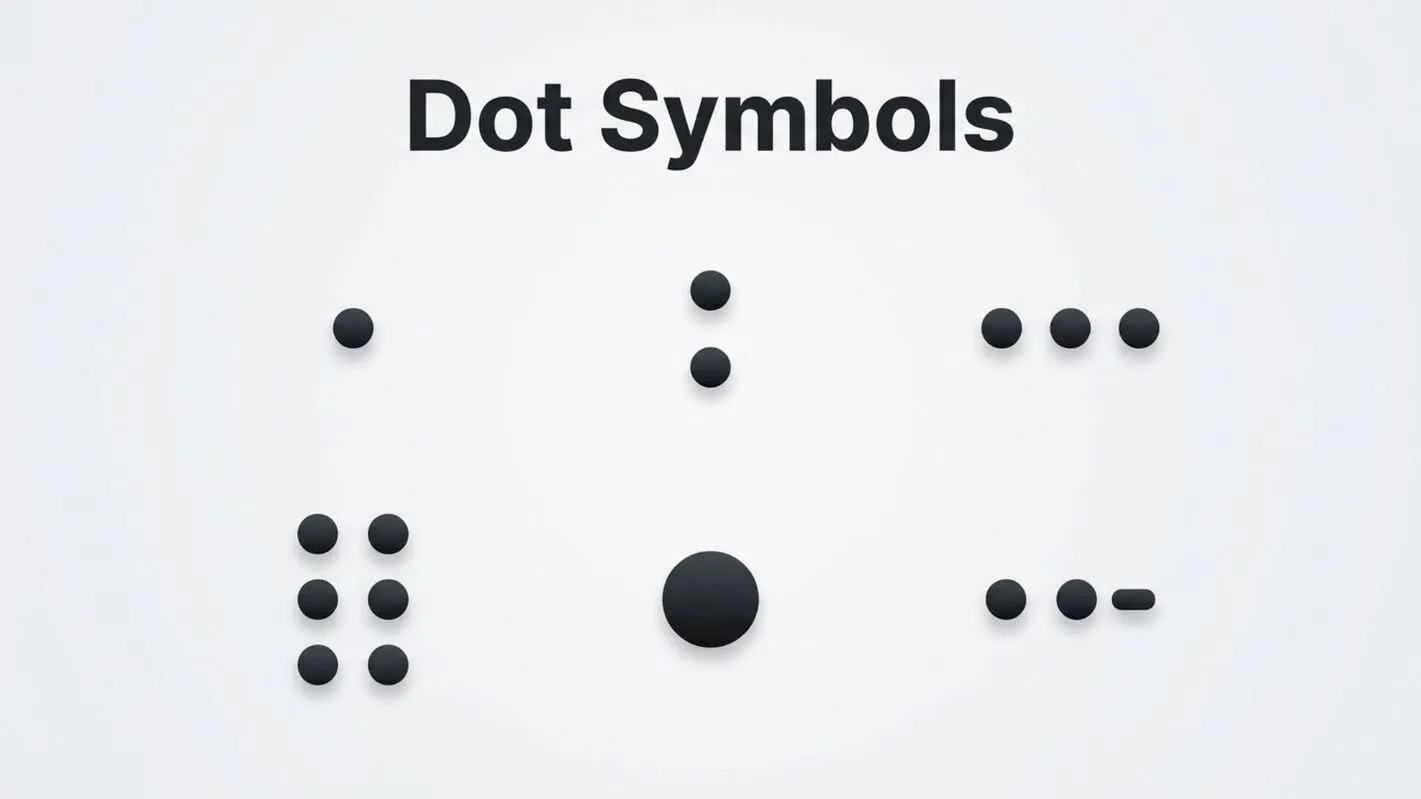
Dot symbols are some of the simplest yet most powerful characters used in writing, design, mathematics, computing, and digital communication. Although they appear small and uncomplicated, different dot symbols carry unique meanings depending on where and how they are used. A single dot can represent the end of a sentence, multiplication in mathematics, a decimal point, a bullet in lists, or even a decorative element in typography.
Today, dot symbols are found everywhere from keyboards and mobile devices to programming languages, Unicode character sets, websites, social media, and professional documents. Understanding the meaning and proper use of these symbols helps improve communication, formatting, and readability.
This comprehensive guide explores the meaning, history, categories, symbolic significance, and practical applications of dot symbols. Whether you’re a student, writer, designer, programmer, or simply curious about text symbols, this article covers everything you need to know.
Dot Symbols (Meaning and Overview)
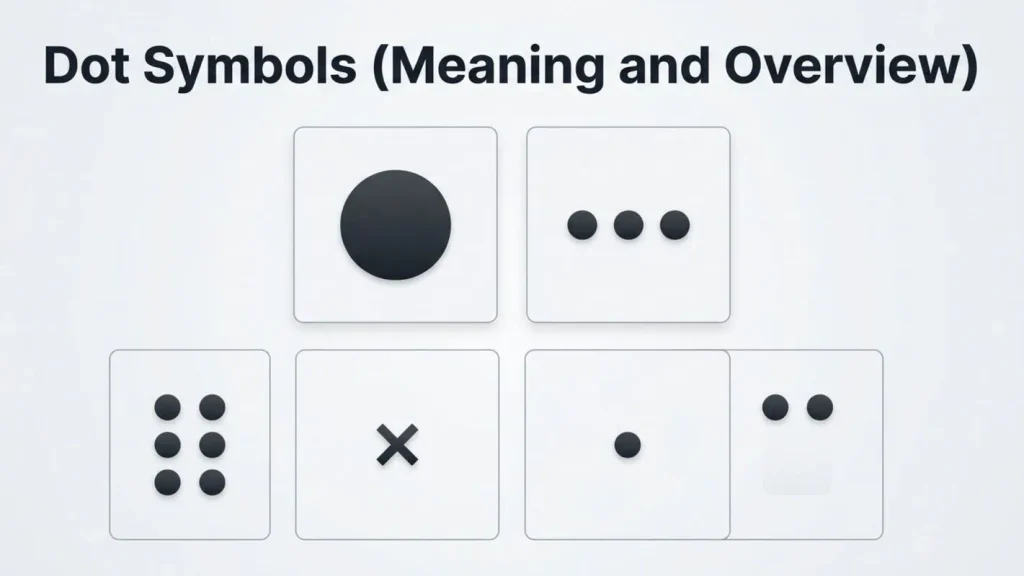
A dot symbol is a small circular mark used as a visual representation or special character to communicate specific information. While many people think of a dot as just a period, there are dozens of different dot-based symbols available in Unicode, each designed for a particular purpose.
Depending on the context, a dot symbol may function as:
- A punctuation mark
- A mathematical operator
- A bullet point
- A separator
- A decorative symbol
- A typography symbol
- A programming character
- A communication symbol
- A symbolic representation in science or logic
The meaning changes according to the surrounding text and the field in which it is used.
For example:
- “.” marks the end of a sentence.
- “•” creates bullet lists.
- “·” separates words or represents multiplication.
- “⋅” is commonly used as the mathematical dot operator.
- “∙” appears in equations and scientific notation.
History and Origin
The use of dot symbols dates back thousands of years. Ancient civilizations used small marks in manuscripts to separate words and organize written information.
Early Writing Systems
Greek and Roman scribes introduced dots to improve readability. Before spaces became common, dots often separated words or indicated pauses while reading aloud.
Medieval Manuscripts
As writing evolved, monks and scholars developed punctuation systems that relied heavily on dots. Different placements of dots indicated different pauses in spoken language.
Printing Revolution
The invention of the printing press standardized punctuation. The period became one of the most widely recognized symbols in written communication.
Digital Age
With computers came Unicode, a universal standard that defines thousands of digital characters, including many specialized dot symbols used across languages, mathematics, engineering, and design.
Today, dot symbols are an essential part of modern communication and digital typography.
Types, Variations, or Categories
Many people are surprised to learn how many dot symbols actually exist. Each has a unique purpose.
Period (.)
The period is the most familiar dot symbol.
Primary uses include:
- Ending sentences
- Separating file extensions
- Creating website addresses
- Decimal notation
- Initials
Example:
Dr. Smith lives on Main St.
Bullet (•)
The bullet symbol organizes information into readable lists.
Example:
• Apples
• Oranges
• Bananas
Bullets improve readability in presentations, websites, resumes, and reports.
Middle Dot (·)
The middle dot sits at the center of a line rather than the baseline.
Common uses include:
- Mathematical multiplication
- Word separation
- Dictionaries
- Linguistics
- Catalan language spelling
Dot Operator (⋅)
The dot operator is widely used in mathematics.
It represents:
- Scalar multiplication
- Dot product
- Logical operations
- Algebraic multiplication
Bullet Operator (∙)
This symbol resembles a bullet but serves mathematical purposes.
It commonly appears in:
- Scientific formulas
- Engineering documents
- Mathematical notation
Decimal Point
Although visually similar to the period, the decimal point represents fractional values.
Examples:
- 3.14
- 25.75
- 0.99
Without it, numerical values would completely change.
Ellipsis (…)
Three consecutive dots form an ellipsis.
Its functions include:
- Showing omitted text
- Creating suspense
- Indicating unfinished thoughts
- Representing pauses in dialogue
Unicode Dot Symbols
Unicode includes numerous dot-related characters for different applications.
Some popular examples include:
| Symbol | Name | Common Use |
| . | Period | Punctuation |
| • | Bullet | Lists |
| · | Middle Dot | Typography |
| ⋅ | Dot Operator | Mathematics |
| ∙ | Bullet Operator | Scientific notation |
| … | Ellipsis | Writing |
| ⦁ | White Bullet | Decorative formatting |
| ◦ | White Bullet | Nested lists |
| ⚫ | Black Circle | Icons and indicators |
| ⚪ | White Circle | Status indicators |
These Unicode symbols ensure consistent display across devices and operating systems.
Dot Symbols in Mathematics
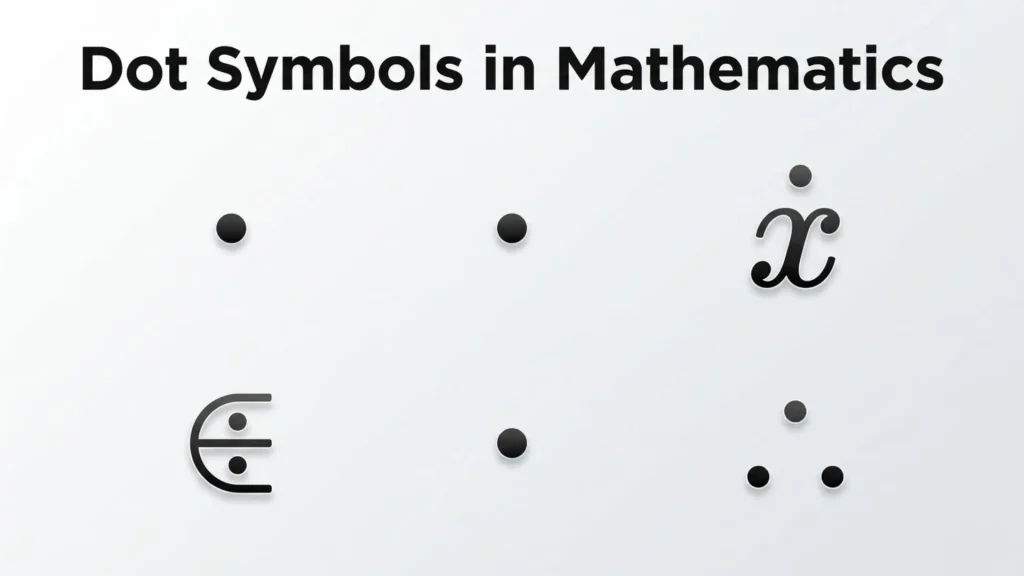
Mathematics uses several specialized dot symbols.
Multiplication
The centered dot often replaces the × sign.
Example:
4 · 6 = 24
Dot Product
Vectors use the dot operator.
Example:
A ⋅ B
This operation calculates relationships between vectors in geometry, engineering, and physics.
Derivatives
In calculus and physics, dots placed above variables indicate derivatives with respect to time.
Example:
ẋ
This notation is especially common in mechanics and robotics.
Dot Symbols in Typography
Typography relies on dots more than many people realize.
Examples include:
- Periods
- Bullet lists
- Middle dots
- Decorative separators
- Navigation indicators
Professional designers carefully choose dot symbols to improve visual balance and readability.
Dot Symbols in Computing
Computers use dot symbols extensively.
Examples include:
File Extensions
Examples:
- document.pdf
- image.png
- music.mp3
The period separates filenames from their extensions.
Internet Domains
Every website address uses periods.
Example:
example.com
Dots separate domain levels.
Programming
Many programming languages use dots for:
- Object properties
- Namespaces
- Method calls
- Package references
Example:
user.name
The dot connects an object with its property.
Hidden Files
In Unix and Linux systems, filenames beginning with a dot are hidden.
Example:
.gitignore
Dot Symbols in Digital Communication
Dot symbols play an important role in modern messaging.
Examples include:
- Bullet lists
- Emojis
- Status indicators
- Decorative usernames
- Social media bios
- Text formatting
Many users combine decorative dot symbols with stars, hearts, or arrows to personalize their profiles.
Common Uses and Applications
Dot symbols appear in countless everyday situations.
Writing
Writers use dots to:
- End sentences
- Create ellipses
- Format lists
- Separate initials
Business Documents
Professionals rely on bullets to organize reports, presentations, and proposals.
Education
Teachers use dot symbols for:
- Lesson outlines
- Mathematical notation
- Scientific formulas
- Reading materials
Graphic Design
Designers use decorative symbols to:
- Separate sections
- Create balanced layouts
- Improve visual hierarchy
Software Development
Programmers use dots in:
- Code syntax
- APIs
- Object-oriented programming
- Database references
Science
Scientists use dot notation in:
- Chemistry
- Physics
- Engineering
- Mathematics
Symbolism, Significance, or Importance
Despite their tiny size, dot symbols hold significant symbolic meaning.
Across different cultures and disciplines, a dot may represent:
- Unity
- Beginning
- Completion
- Focus
- Precision
- Simplicity
- Infinity
- Origin
In philosophy, a single point often symbolizes the starting point of creation or existence.
In art, dots create patterns, textures, and visual rhythm.
In communication, even a single dot can completely change the meaning of text.
How to Use Dot Symbols
Using dot symbols correctly improves clarity and professionalism.
Choose the Right Symbol
Different situations require different characters.
Use:
- “.” for punctuation
- “•” for lists
- “·” for mathematical multiplication or typography
- “⋅” for mathematical notation
Copy from Unicode Sources
Most operating systems support Unicode symbols, making it easy to copy and paste special characters.
Maintain Consistency
Avoid mixing different bullet styles within the same document unless there’s a clear formatting purpose.
Consider Accessibility
Simple, standard symbols improve readability for screen readers and assistive technologies.
Interesting Facts
- The period is one of the oldest punctuation marks still in use.
- Unicode contains dozens of dot-related symbols.
- Some programming languages rely heavily on the dot operator.
- Braille uses combinations of raised dots rather than letters.
- Pointillism is an art technique that creates images entirely from tiny colored dots.
- Many mobile notification indicators are simple dot symbols.
- Search engines recognize punctuation differently depending on the query.
- Decorative dot patterns have appeared in traditional art for thousands of years.
Common Mistakes or Misconceptions
Assuming Every Dot Means the Same Thing
Not all dots are identical. A period, middle dot, and mathematical dot operator each serve different purposes.
Using Bullets Incorrectly
Bullet symbols should organize related information, not replace proper punctuation.
Confusing Decimal Points with Thousands Separators
Different countries use different numerical formatting conventions.
Example:
- 1,000.50
- 1.000,50
Understanding regional standards prevents costly mistakes.
Mixing Unicode Characters
Some dot symbols look nearly identical but function differently in software, mathematics, or typography.
Overusing Decorative Symbols
Too many decorative characters can reduce readability and appear unprofessional.
Frequently Asked Questions
What are dot symbols?
Dot symbols are small text characters used for punctuation, mathematics, formatting, computing, and decorative purposes. Different dot symbols have different meanings depending on context.
How many dot symbols exist in Unicode?
Unicode includes dozens of dot-related characters, including periods, bullets, middle dots, mathematical operators, decorative circles, and ellipses.
What is the difference between a period and a middle dot?
A period sits on the baseline and usually ends sentences, while a middle dot is centered vertically and is commonly used in mathematics, typography, and certain languages.
Why are bullet symbols used?
Bullet symbols organize information into clear, readable lists, making documents easier to scan and understand.
Can I copy and paste Unicode dot symbols?
Yes. Most Unicode dot symbols can be copied and pasted into documents, websites, emails, and social media posts if the chosen font supports them.
Why do programmers use dot symbols?
Programming languages use dots to access object properties, separate namespaces, reference packages, and organize code structure.
Are dot symbols the same in every language?
No. While many dot symbols are universal, some languages use specialized dot characters with unique grammatical or linguistic purposes.
Conclusion
Dot symbols may appear small, but they play an enormous role in communication, mathematics, typography, computing, and design. From the humble period ending a sentence to sophisticated mathematical operators and decorative Unicode characters, these symbols help organize information, express ideas, and improve readability across countless applications.
Understanding the different types of dot symbols, their meanings, historical development, and practical uses allows writers, students, designers, developers, and everyday users to communicate more effectively. As digital communication continues to evolve, these versatile symbols remain essential building blocks of modern language and visual representation.

Daniel Carter is a writer and researcher focused on symbols, their meanings, origins, and practical uses. He enjoys turning complex symbolic concepts into simple, easy-to-understand explanations for everyday readers. Through his work, Daniel explores cultural, technical, historical, and commonly used symbols, helping readers understand what they mean and where they are used.
His work includes The Complete Guide to Symbols, Understanding Symbols and Their Meanings, and A Visual Guide to Common Symbols.