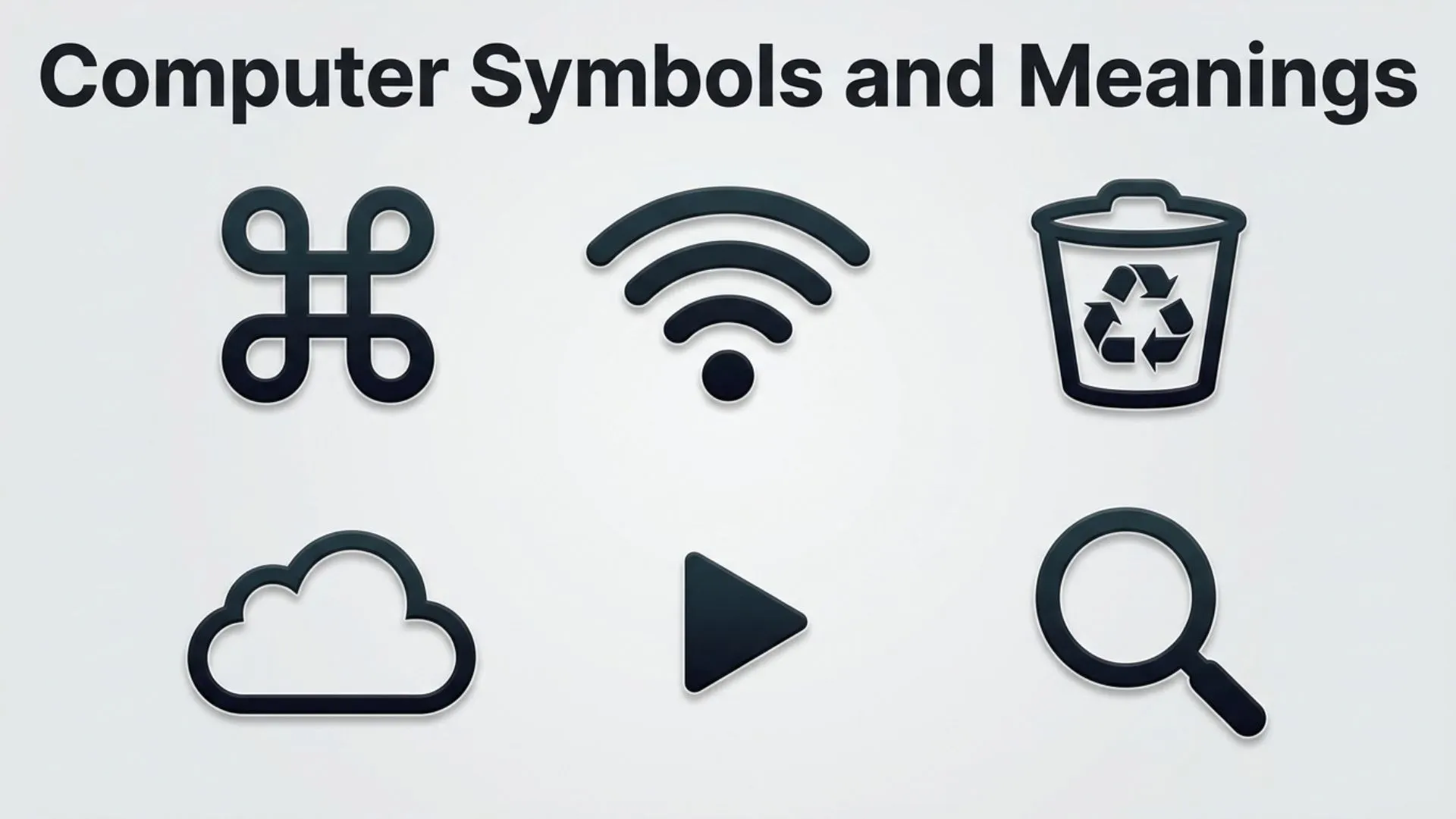
Computer symbols are everywhere in modern technology. From the icons on your smartphone and keyboard keys to programming characters and software interface signs, these symbols help people communicate with machines quickly and efficiently.
The computer symbols and meanings we see every day may look simple, but each one has a specific purpose. A small icon can tell users how to save a file, connect to the internet, adjust settings, or perform an action without requiring long explanations.
As computers have evolved, symbols have become an essential part of digital communication. They appear as keyboard characters, user interface icons, coding symbols, Unicode characters, and technical signs used by developers and everyday users.
Understanding computer symbols makes technology easier to use. Whether you are learning basic computer skills, working with software, or exploring programming, knowing what these symbols mean helps improve digital confidence.
This guide explains common computer symbols, their meanings, history, categories, and practical uses in modern technology.
Meaning and Overview of Computer Symbols
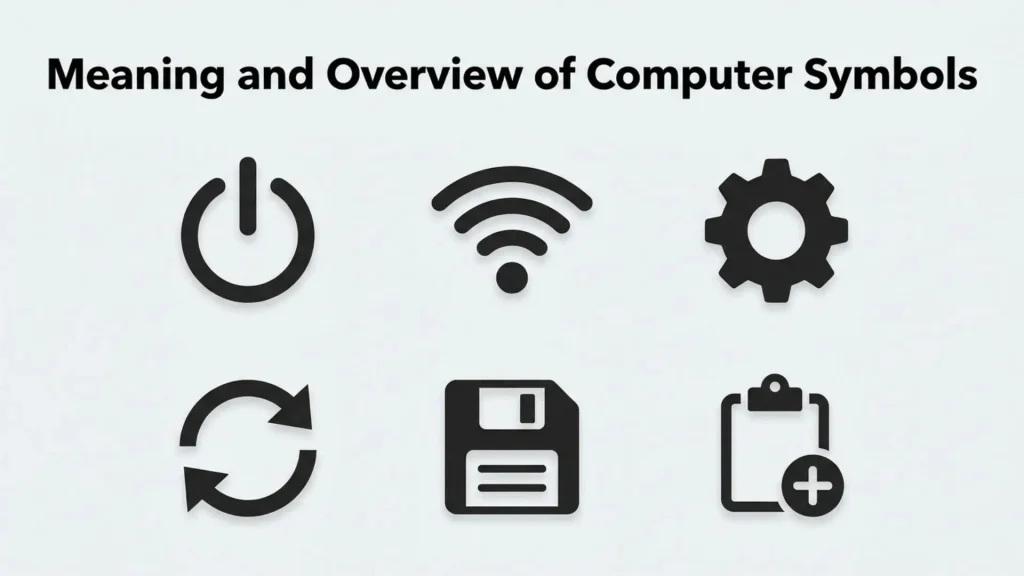
Computer symbols are visual signs, characters, and icons used to represent commands, functions, information, or concepts in digital systems.
A computer symbol may appear as:
- A keyboard character
- A software icon
- A programming operator
- A network indicator
- A file symbol
- A Unicode symbol
- A special character
The symbol meaning depends on where it is used. For example, a plus sign (+) can mean addition in mathematics, adding a new item in software, or expanding a menu.
Computer symbols act as a universal communication system between humans and technology. They reduce complexity by allowing users to understand functions quickly through visual representation.
History and Origin of Computer Symbols
The history of computer symbols began with early mechanical calculators, typewriters, and mathematical notation systems.
Many modern computer symbols originated from older technologies:
- Keyboard symbols came from typewriter designs.
- Mathematical symbols came from scientific notation.
- Programming symbols were created for computer languages.
- Interface icons developed with graphical operating systems.
During the rise of personal computers in the 1970s and 1980s, symbols became more important as graphical user interfaces replaced text-based commands.
Companies developing operating systems introduced familiar icons such as:
- Folder symbols
- Trash bin icons
- Save icons
- Home buttons
- Settings symbols
Today, organizations use standardized digital characters through systems like Unicode, allowing symbols to appear consistently across computers, phones, and websites.
Types and Categories of Computer Symbols
Keyboard Symbols
Keyboard symbols are characters printed on computer keyboards.
Common examples include:
- @ (At symbol)
- (Number sign or hashtag)
- $ (Dollar sign)
- % (Percent symbol)
- & (Ampersand)
- (Asterisk)
- (Plus sign)
- = (Equal sign)
These symbols are used in writing, calculations, communication, and programming.
Common Keyboard Symbol Meanings
The @ symbol is commonly used in email addresses.
The # symbol is used for numbers, hashtags, and programming purposes.
The * symbol is often used as a wildcard, multiplication sign, or emphasis marker.
Computer Interface Symbols
Interface symbols are icons that help users navigate software and devices.
Examples include:
- Home icon
- Search icon
- Settings gear
- Save icon
- Download arrow
- Upload arrow
These symbols provide quick visual instructions without requiring text.
Programming Symbols
Programming languages use symbols as instructions for computers.
Common coding symbols include:
- {} Curly braces
- [] Square brackets
- () Parentheses
- <> Angle brackets
- // Comment symbol
- ; Semicolon
- == Comparison operator
Meaning of Programming Symbols
Curly braces often group sections of code.
Parentheses may contain functions or instructions.
The semicolon commonly indicates the end of a statement in some programming languages.
These symbols are essential because programming depends on precise character usage.
Mathematical Computer Symbols
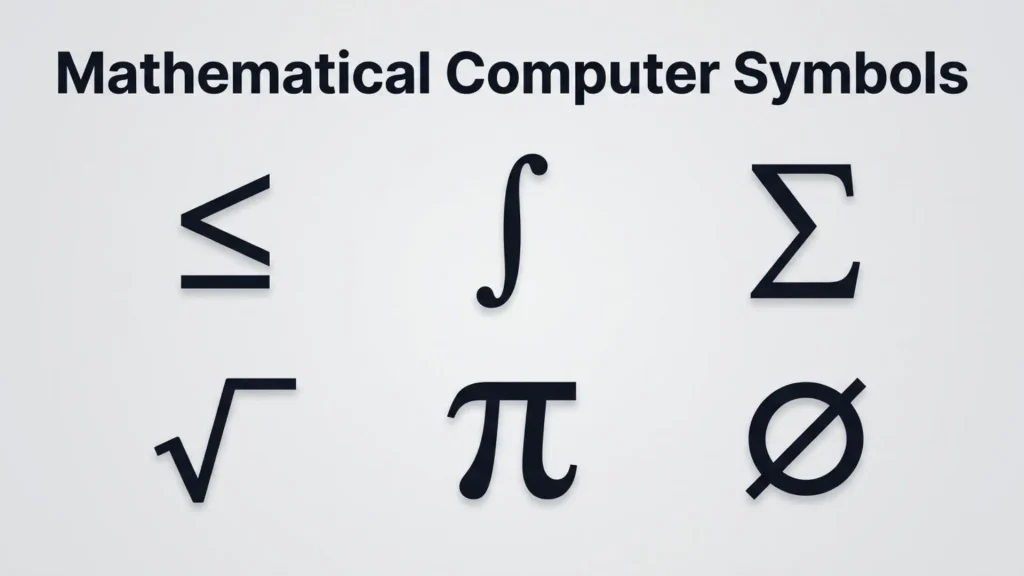
Computers use many mathematical symbols for calculations and data processing.
Examples include:
- Addition
- − Subtraction
- × Multiplication
- ÷ Division
- = Equality
- ≠ Not equal
- < Less than
- Greater than
These symbols are used in software, spreadsheets, programming, and scientific applications.
File and Folder Symbols
File management systems use symbols to represent different types of data.
Common icons include:
- Folder icon
- Document icon
- Image icon
- Video icon
- PDF icon
These symbols help users identify files quickly.
A folder icon, for example, is a symbolic representation of stored information and organization.
Internet and Network Symbols
Internet-related symbols help users understand connections and online functions.
Common examples include:
- Wi-Fi symbol
- Globe icon
- Bluetooth symbol
- Signal bars
- Cloud icon
Meaning of Network Symbols
The Wi-Fi symbol shows wireless connection strength.
The cloud symbol often represents online storage or cloud computing services.
Signal bars indicate network availability or connection quality.
Common Computer Symbols and Their Meanings
Power Symbol (⏻)
The power symbol is one of the most recognizable computer symbols.
It represents:
- Turning a device on
- Turning a device off
- Power management
The symbol combines a circle and a vertical line, representing interruption and connection within an electrical circuit.
Save Symbol
The save icon traditionally appears as a floppy disk image.
Although floppy disks are outdated, the symbol remains widely recognized.
It represents:
- Saving information
- Storing data
- Protecting work
This is an example of historical symbolism continuing into modern usage.
Settings Gear Symbol
The gear icon represents configuration and control.
It is commonly found in:
- Computer settings
- Mobile applications
- Software menus
The gear symbolizes adjustment, customization, and system management.
Trash or Recycle Bin Symbol
The trash icon represents deleted files.
It communicates:
- Removal
- Disposal
- Temporary storage
Many operating systems use a recycle bin concept to allow users to recover deleted files.
Search Symbol (Magnifying Glass)
The magnifying glass icon represents searching.
It is used in:
- Websites
- Applications
- File systems
This symbol is easily understood because it visually represents investigation and discovery.
Download and Upload Symbols
Arrows are commonly used to represent data movement.
Download Symbol
A downward arrow usually means receiving data from the internet or another system.
Upload Symbol
An upward arrow usually means sending data to an online service or another device.
Lock Symbol
The lock icon represents security and privacy.
It commonly appears in:
- Password fields
- Secure websites
- File protection settings
The lock symbol communicates that information is protected.
Cloud Symbol
The cloud symbol represents cloud computing services.
It may indicate:
- Online storage
- Remote access
- Internet-based services
Cloud icons have become a major part of modern digital communication.
Common Uses and Applications of Computer Symbols
Computer symbols are used across many areas of technology.
Operating Systems
Windows, macOS, Linux, and mobile operating systems rely heavily on symbols.
Icons allow users to:
- Open applications
- Manage files
- Change settings
- Connect devices
Software Applications
Programs use symbols to simplify actions.
Examples include:
- Editing tools
- Media controls
- Communication apps
- Design software
Programming and Development
Developers use symbols daily when writing code.
Programming symbols help create:
- Instructions
- Conditions
- Calculations
- Data structures
Digital Communication
Computer symbols appear in:
- Emails
- Social media
- Websites
- Online messages
Unicode symbols and special characters allow users to add visual meaning to digital conversations.
Symbolism and Importance of Computer Symbols
Computer symbols have become important because they make technology accessible.
Faster Communication
Symbols allow users to understand actions quickly without reading detailed instructions.
Universal Understanding
Many computer symbols are recognized worldwide regardless of language.
For example, the power symbol and search icon are understood across different cultures.
Better User Experience
Well-designed icons improve usability by making software easier to navigate.
Connection Between Humans and Machines
Computer symbols create a bridge between human thinking and digital systems.
They translate complex technical functions into simple visual signs.
How to Use Computer Symbols Effectively
Learn Common Icons
Understanding frequently used symbols improves computer skills.
Start with:
- Power symbol
- Settings icon
- Search icon
- Save icon
- Folder icon
Understand Context
The same symbol may have different meanings depending on the software or device.
Use Keyboard Shortcuts
Many keyboard symbols help increase productivity.
Learning special characters and shortcuts can save time.
Use Symbols Carefully in Communication
Some symbols have technical meanings that differ from everyday use.
For example, the # symbol may represent a hashtag online but also has programming uses.
Interesting Facts About Computer Symbols
- Unicode contains thousands of symbols used across digital platforms.
- Many modern icons are simplified versions of older physical objects.
- The floppy disk save icon remains popular despite floppy disks becoming obsolete.
- The @ symbol became famous because of email communication.
- Computer symbols reduce language barriers in technology.
- Some programming symbols have existed for decades.
- Emoji and digital symbols continue expanding modern visual communication.
Common Mistakes and Misconceptions
Assuming All Symbols Have One Meaning
A symbol’s meaning changes depending on context.
For example, the plus sign may mean addition, expansion, or adding content.
Confusing Icons With Characters
Icons are visual images, while characters are individual text elements.
However, both can function as communication symbols.
Ignoring Symbol History
Many modern icons are based on older technologies and traditions.
Using Programming Symbols Incorrectly
Small mistakes with coding symbols can completely change how software behaves.
Believing All Symbols Are Universal
Although many are widely recognized, meanings can differ across platforms and cultures.
Frequently Asked Questions
What are computer symbols?
Computer symbols are icons, characters, and signs used to represent commands, functions, information, and digital concepts.
What is the most common computer symbol?
The power symbol, search icon, settings gear, and save icon are among the most widely recognized computer symbols.
What does the @ symbol mean on a computer?
The @ symbol is mainly used in email addresses but also has programming and online communication uses.
What is Unicode in computer symbols?
Unicode is a standard system that assigns digital codes to characters and symbols so they work across devices.
Why are computer symbols important?
Computer symbols make technology easier to understand by providing quick visual communication.
What is the difference between an icon and a symbol?
An icon usually represents a specific function visually, while a symbol can represent broader ideas, actions, or concepts.
Where are computer symbols used?
They are used in operating systems, software, websites, programming languages, keyboards, and digital communication.
Conclusion
Computer symbols and meanings are an essential part of modern digital life. These small icons and characters help people interact with technology more efficiently and understand complex functions quickly.
From keyboard symbols and programming operators to interface icons and Unicode characters, each symbol has a purpose shaped by technology and human communication. Learning these symbols improves digital literacy and makes computers easier to use.
As technology continues evolving, computer symbols will remain a powerful visual language connecting people with machines around the world.

Daniel Carter is a writer and researcher focused on symbols, their meanings, origins, and practical uses. He enjoys turning complex symbolic concepts into simple, easy-to-understand explanations for everyday readers. Through his work, Daniel explores cultural, technical, historical, and commonly used symbols, helping readers understand what they mean and where they are used.
His work includes The Complete Guide to Symbols, Understanding Symbols and Their Meanings, and A Visual Guide to Common Symbols.